Your Expert Guide to the Dominican Republic E-Ticket (eticket migracion gob do english)
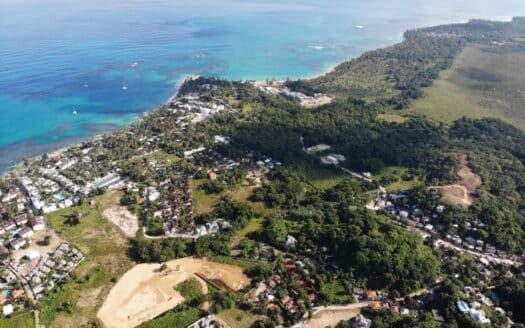
Planning your trip to explore real estate in Las Terrenas? Before you can feel the sand between your toes at Playa Bonita, every international traveler must complete one vital step: the Dominican Republic E-Ticket. As specialists who have guided international buyers for over 25 years, we at Atlantique Sud know that a smooth arrival sets the tone for a successful property search. This mandatory digital form combines immigration, customs, and health declarations into a single, streamlined process.
This guide leverages our extensive experience helping clients navigate the official eticket migracion gob do english portal. We'll ensure you get your QR code quickly, so you can focus on what matters—finding your piece of paradise.
Why the E-Ticket is a Non-Negotiable Step for Your Trip
Here at Atlantique Sud, we've been the leading real estate authority in Las Terrenas for over 25 years, assisting clients from North America, Europe, and South America. We’ve learned that a seamless entry into the country is the first step toward a confident investment.
The Dominican government implemented this digital system to replace outdated paper forms, significantly speeding up airport processing. It is a legal requirement for every non-resident entering or leaving the Dominican Republic, ensuring efficient border management.
For our clients, this means less time in line and more time to explore investment opportunities, whether it’s a beachfront condo starting at $200,000 or a luxury villa in the hills. Having this document ready is essential. As you prepare, you may also find our guide on the Dominican Republic tourist card and entry requirements useful.
Prepare Your Information Before You Start
Trust our 25+ years of experience on this: a few minutes of preparation turns the E-Ticket process into a simple five-minute task. Before visiting the official website, organizing your key details is the secret to a fast, error-free submission.
Think of it like preparing documents for a property closing—it ensures everything flows smoothly. You only need a few key details on hand to breeze through the form.
Your E-Ticket Information Checklist
Gather these details before you begin to ensure a quick and seamless application.
| Information Category | Specific Details Required | Pro Tip from Atlantique Sud |
|---|---|---|
| Personal ID | Your valid passport | Have it open to the photo page for quick reference to your passport number, name, and birth date. |
| Travel Details | Airline name and flight numbers (arrival & departure) | Keep your flight confirmation email handy to copy these details precisely, avoiding errors. |
| Accommodation | Full address of your first night's stay | For our clients, this is often a hotel or one of our managed rental villas in communities like Playa Bonita or Las Ballenas. |
This is a crucial point. For clients staying in one of our managed properties, we provide the exact address needed for the form. If you're at a hotel, have its full name and address ready.
Pro Tip: If you're on a property tour with us and staying at multiple locations, simply use the address of your first night's stay. The immigration system only requires one confirmed address for your entry record.
Beyond the E-Ticket, it's wise to review a broader checklist when preparing for your first international journey. We also recommend refreshing your knowledge on the latest Dominican Republic travel requirements.
A Step-by-Step Walkthrough of the E-Ticket Form
Navigating the official eticket.migracion.gob.do portal is more straightforward than it seems. We'll walk you through the process from the perspective of an international investor or future resident, ensuring your entry is seamless.
The process is broken into three simple parts: personal information, travel details, and accommodation.
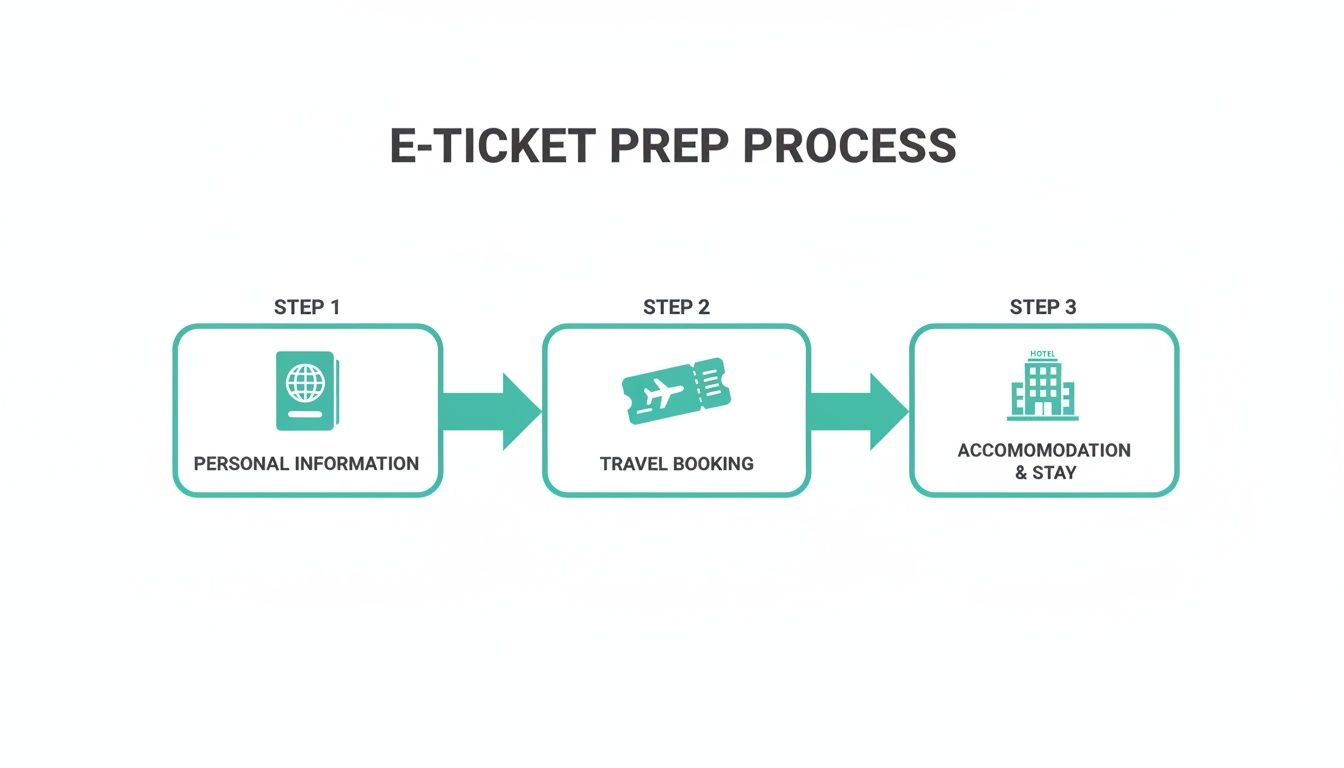
The form is designed to flow logically, ensuring you won't get lost.
Initial Application and Personal Details
First, you'll generate a unique application code—save this code, as it's your key to accessing the form later. The first page asks for general information like your country of residence.
Next, you will enter your personal details. This is where you input your full name, passport number, and date of birth, ensuring it matches your passport exactly. The Occupation field sometimes causes confusion.
- For Investors: If you're a self-employed investor, "Independent Professional" is a suitable choice. For high-net-worth individuals, "Investor" or a related field works perfectly.
- For Retirees: The dropdown menu includes "Retired" or "Pensioner."
The system requires this for broad categorization, so don't overthink it. This section also allows you to add family members traveling with you, a convenient time-saver.
Travel and Accommodation Information
The next screen focuses on your flight details. A common point of confusion is the Port of Embarkation. This should be the last airport you departed from before your non-stop flight to the Dominican Republic. For example, if your journey is Calgary-Toronto-Punta Cana, your port of embarkation is Toronto (YYZ).
You'll also select your arrival airport. For those visiting us in Las Terrenas, you will most likely fly into El Catey International Airport (AZS), located just a convenient 30-minute drive from town.
Finally, provide your accommodation details. As mentioned, you only need to enter the address for your first night's stay. Whether it's a hotel or a villa rental in Playa Cosón, this is all the information immigration requires.
Completing the Customs and Health Declarations
You're almost there. The final two sections are the Customs Declaration and the Health Affidavit. For our clients bringing funds for an investment or items for a new home, paying close attention here is crucial.
Think of this as your first formal interaction with Dominican regulations—getting it right ensures a smooth process later on.
For most visitors, the customs section is simple. You’ll answer "no" to questions about carrying agricultural products or large quantities of commercial goods.
Declaring Funds and Items for Your New Property
However, as a real estate investor or future resident, your situation might be different.
- Bringing Cash for a Purchase? The form asks if you are carrying more than $10,000 USD (or its equivalent). This is a standard international requirement. If you are, declare it. It is perfectly legal and part of global anti-money laundering protocols.
- Importing Personal Goods? If you've packed high-value electronics or decor for your new villa, you must declare them. Honesty about items intended to remain in the country, especially if they exceed the duty-free allowance, prevents potential fines or delays.
The Health Affidavit is the final step, consisting of a few questions about your recent travel and health. Answer truthfully to complete the process.
The Dominican Republic's migration controls are robust, which contributes to the country's stability and makes it an attractive place for investment. The Dirección General de Migración (DGM) effectively manages a high volume of traffic. To give context, in the first half of 2025 alone, 3,581 Dominicans were repatriated from the US. You can read more in the DGM's report on migration patterns.
Completing these forms accurately is about starting your new chapter in the Dominican Republic with confidence and clarity.
Receiving and Using Your E-Ticket QR Code
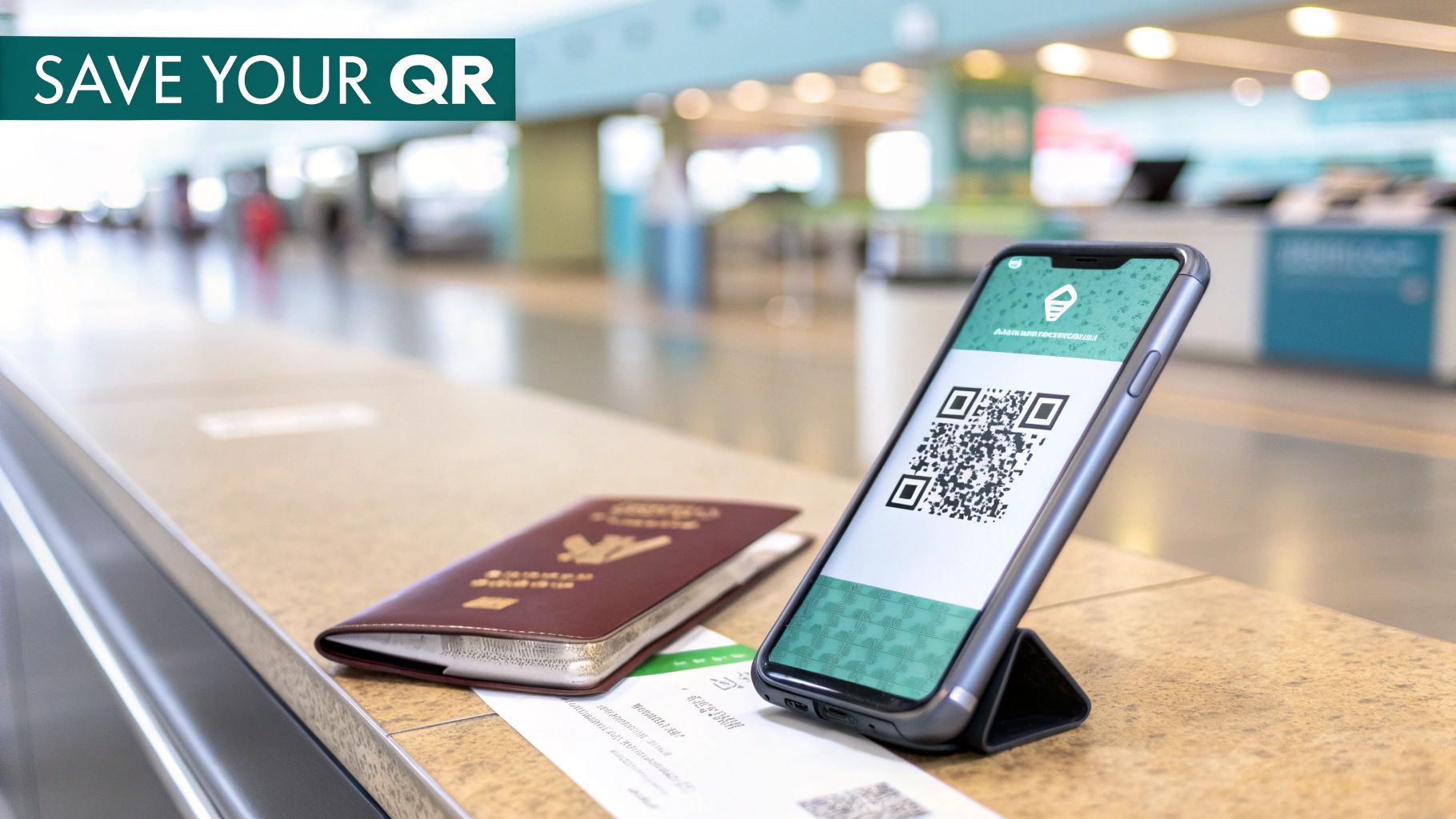
After you submit the final form, the key to your smooth entry will appear: a unique QR code. It will be displayed on the confirmation page, and a copy will be sent to your email.
This QR code is your official travel authorization, bundling your immigration, customs, and health information. Airline staff will check for it before boarding, and Dominican immigration officials will scan it upon your arrival.
How to Save Your QR Code: The Atlantique Sud Method
After guiding hundreds of clients through arrivals at Santo Domingo (SDQ) and El Catey (AZS), we have perfected the process. Follow our proven recommendations for saving this critical code.
- Screenshot It Immediately: This is the quickest method. Save a clear screenshot to your phone's photo favorites for instant access, even without an internet connection.
- Download the PDF: The confirmation page offers a PDF download. Save this file to both your phone and a cloud service like Google Drive or Dropbox as a digital backup.
- Print a Hard Copy: We strongly recommend printing a physical copy. Phone batteries die and airport Wi-Fi can be unreliable. A piece of paper is the ultimate backup, ensuring you are always prepared.
Crucial Tip: The system generates two QR codes—one for your arrival and another for your departure. Be sure to save both. Many travelers mistakenly save only the arrival code and are left scrambling when it's time to fly home.
If you misplace your code, don't worry. You can return to the eticket migracion gob do english portal and use your application code to retrieve it. For more details, see our article explaining the difference between a DR tourist card and an E-Ticket.
Troubleshooting Common E-Ticket Issues
Even with careful preparation, minor issues can arise. With over 25 years of experience welcoming clients to Las Terrenas, we've encountered and solved every common E-Ticket snag. A small error is never a cause for panic.
What if I Made a Mistake on the Form?
This is the most frequent question we receive. You hit "submit" and realize you entered the wrong flight number or misspelled your hotel's name. The solution is simple: just fill out a new form.
Return to the eticket migracion gob do english homepage and start the process again. The system will issue a new application number and QR code, automatically voiding the previous one. Immigration will only scan the most recent QR code you present.
What if My Confirmation Email Didn't Arrive?
First, check your spam or junk folder, as it often ends up there. However, the email is not essential. As long as you screenshotted the confirmation page or downloaded the PDF with the QR code, you have everything you need.
The Dominican government’s General Directorate of Migration (DGM) processes a high volume of travelers, which is why this digital system is so vital. The regional context is significant; for example, mothers of Haitian descent accounted for 30.5% of births in the Dominican Republic in early 2025. You can explore regional demographic trends in this PAHO report. These statistics highlight the importance of an efficient digital system for orderly border processing.
Your E-Ticket Questions Answered
We’ve compiled answers to the most common questions our clients ask, based on our 25+ years of experience helping international buyers navigate their arrival in Las Terrenas.
Do I Need a Separate E-Ticket for Entry and Departure?
No, you only need to fill out the form once per trip. Upon completion, the system generates two QR codes: one for arrival and a second for departure.
It's a common oversight to save only the first one. Ensure you screenshot, download, or print both QR codes, as you will need the departure code to check in for your flight home.
How Far in Advance Should I Complete the Form?
You can complete the form up to 72 hours before your flight. We advise our clients to do it one or two days prior to travel. This provides a comfortable buffer to resolve any issues without last-minute stress.
While you can fill it out at the airport, having it done in advance ensures a much faster and smoother check-in experience.
What if My Travel Plans Change After I Submit?
If your flight, travel date, or other key information changes, the solution is straightforward: fill out a new form.
Go back to the official eticket migracion gob do english portal and complete the process again. A new QR code will be generated, and your previous submission will be automatically voided. There is no penalty; immigration officials are only concerned with the valid code you present upon arrival.
Important Note: The Dominican E-Ticket is a free government service. Avoid any third-party websites that attempt to charge a fee. Always use the official portal:
eticket.migracion.gob.do.
The system is designed to be flexible, ensuring minor changes don't become major travel problems.
Your journey to discovering the investment potential of Las Terrenas should be exciting and stress-free. If you have more questions about your trip or are ready to explore prime real estate—from beachfront condos with 8-10% rental yields to luxury villas—our expert team at Atlantique Sud Real Estate is here to provide the market-leading guidance you deserve.
Contact us today to schedule your personalized property tour.
Thinking about living in Las Terrenas? Browse our current property for sale in Las Terrenas — from beachfront condos to luxury villas.
Is the Dominican Republic E-Ticket Free?
Yes. The official e-ticket at eticket.migracion.gob.do is completely free. Be careful with lookalike websites that charge a fee to “process” the form for you — you never need to pay to obtain your QR code.
Do Children Need Their Own E-Ticket?
Every traveler must be registered, including minors. The good news: families traveling together can complete a single family form and add each member to it, so you only need one QR code per family group per trip.